
CLIENT COMMUNICATION
Secure demo invitation
https://demo.aibizshop.com/preview/NrZiNRORCCG_7zsh_WUrrNx2oz-pb5psNgo-jSdDsqw/
Client not assigned · Phone not assigned · Public-safe token link
Presentation controls
Controls update what viewers see. Clients can watch, but they cannot control your device.
Viewer link
Share this browser link with the client when the demo is ready.
0 viewers joined
Website Preview Mode
DisabledShow a staging website directly in the viewer with full, mobile, tablet, or desktop framing.
Showcase Mode
DisabledPresent uploaded PNG, JPG, WebP, or PDF mockups without running the capture agent.
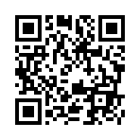
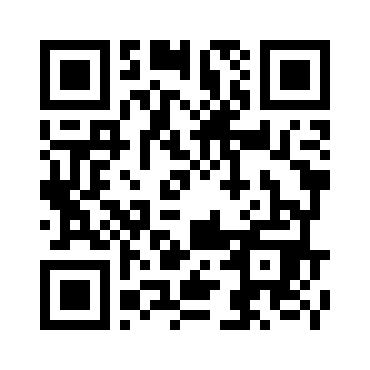
Viewer QR code
Clients can scan this code to open the viewer link.
QUICK START
Start screen share
0 viewers joined
Click once, choose the screen or window, and the demo starts automatically.
Host flow: download the launcher on the salesperson computer, extract it, then double-click START_SCREEN_SHARE.cmd. Clients only open the viewer link.
Session frame path:
media/live_frames/CACY3Q/latest.jpg
Remote upload command for offsite host machine:
Frame upload endpoint:
https://demo.aibizshop.com/agent/session/CACY3Q/frame/
Local capture command for same-machine beta testing:
- Frame state
- Waiting
- Last upload
- None yet
- Frame age
- Not receiving
- Stale cutoff
- 8s
- Upload rate limit
- 240 frames / 30s
Presenter annotations
DisabledDraw temporary viewer-only overlays. These do not modify the host screen and clear when the session ends.
Waiting for host screen
Annotations can still be prepared on this preview area.
Viewer message
Session chat
Private host notes
Demo screenshots
0 savedNo screenshots saved yet.
Viewer List
Download CSVNo viewers have joined this session yet.